How to Use RruGO
A step-by-step guide on how to use our app features.
Sign Up
Sign Up
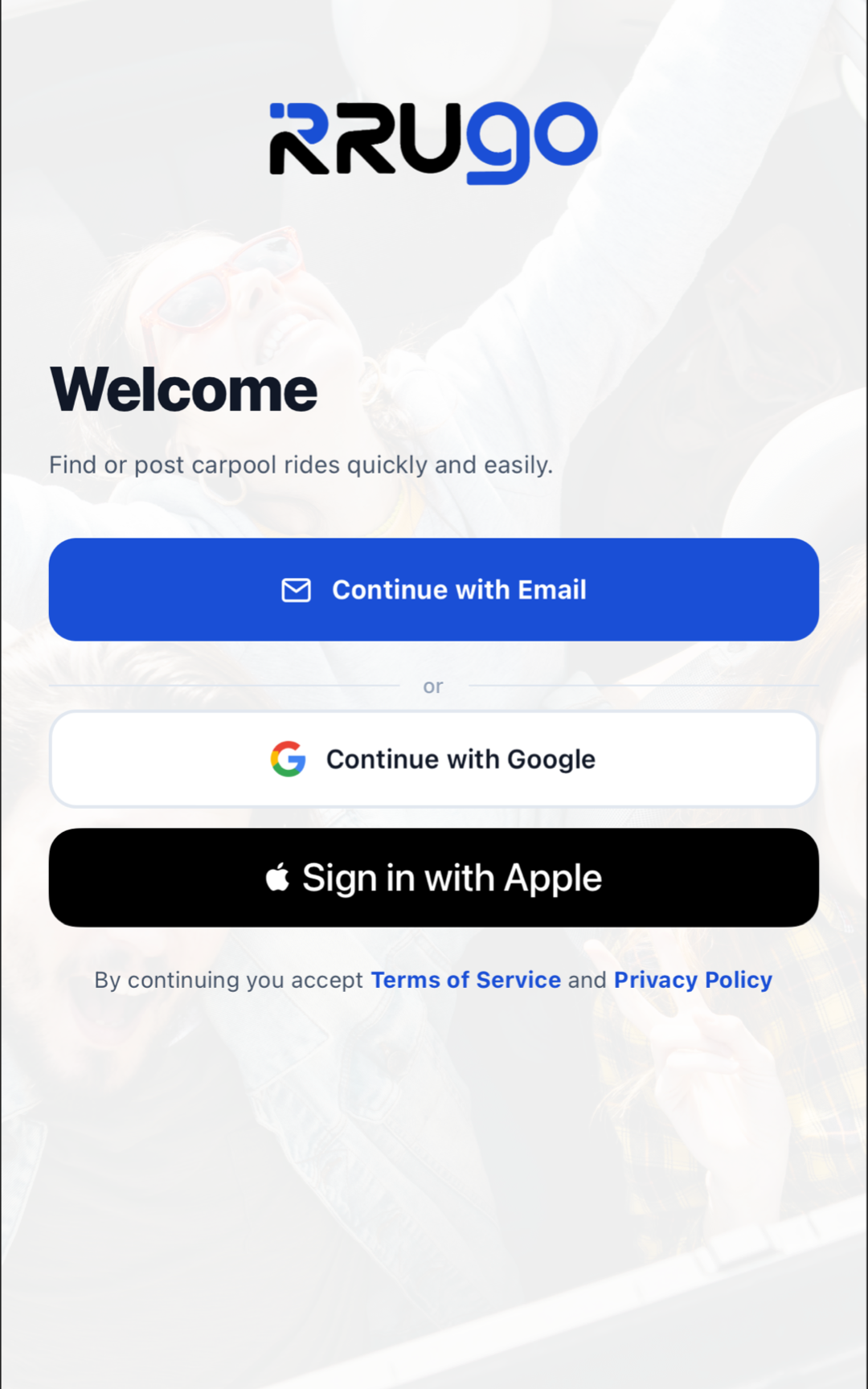
Sign up using your Google account, Apple ID, or with your Email address.
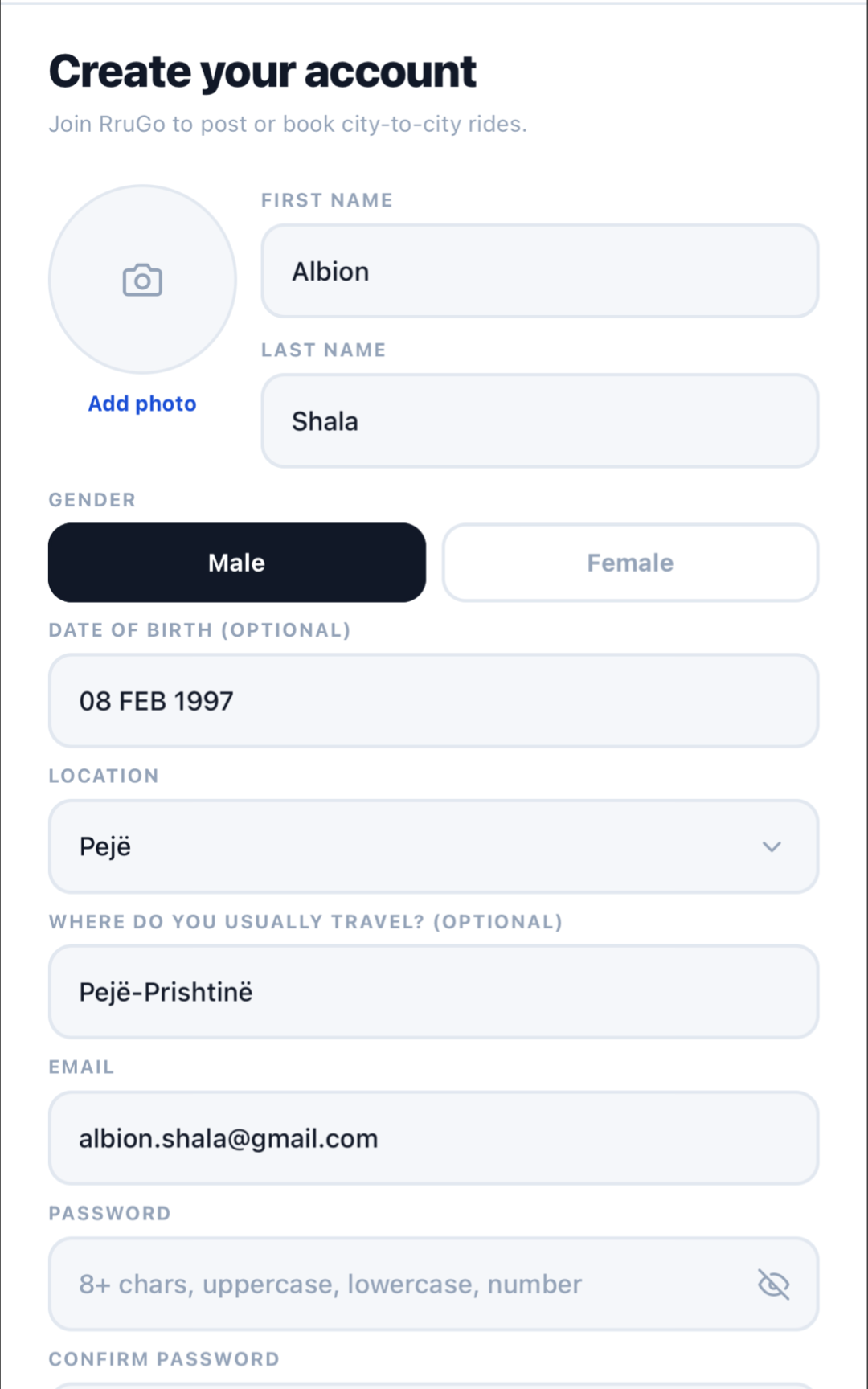
Write Details
Fill in your personal details to complete your profile and start using the app.
Find a Ride
Search
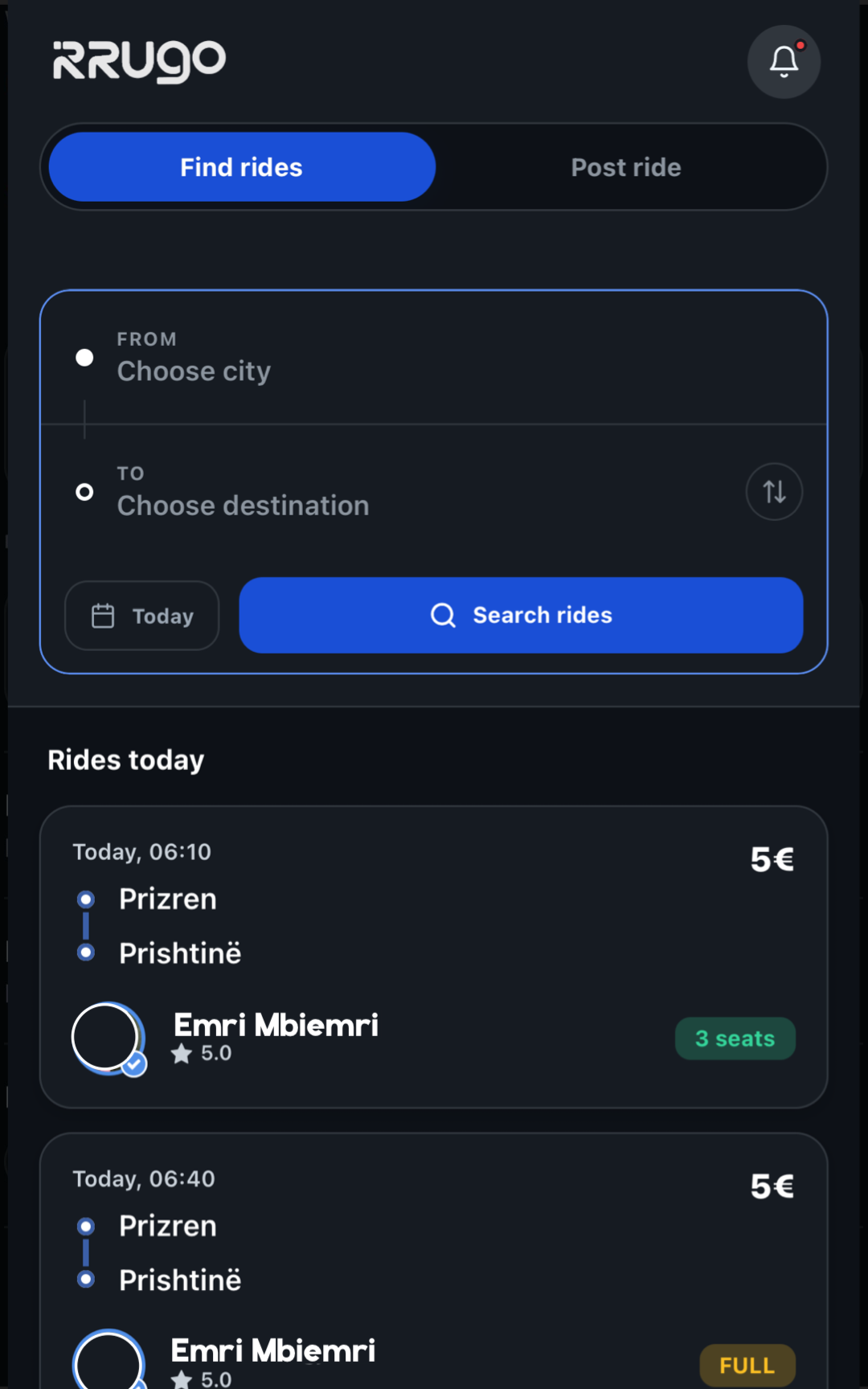
From the main screen, choose the departure city, arrival city, and travel date.
Choose the Ride
Check the list of available rides. Choose the one with the most suitable time and price.
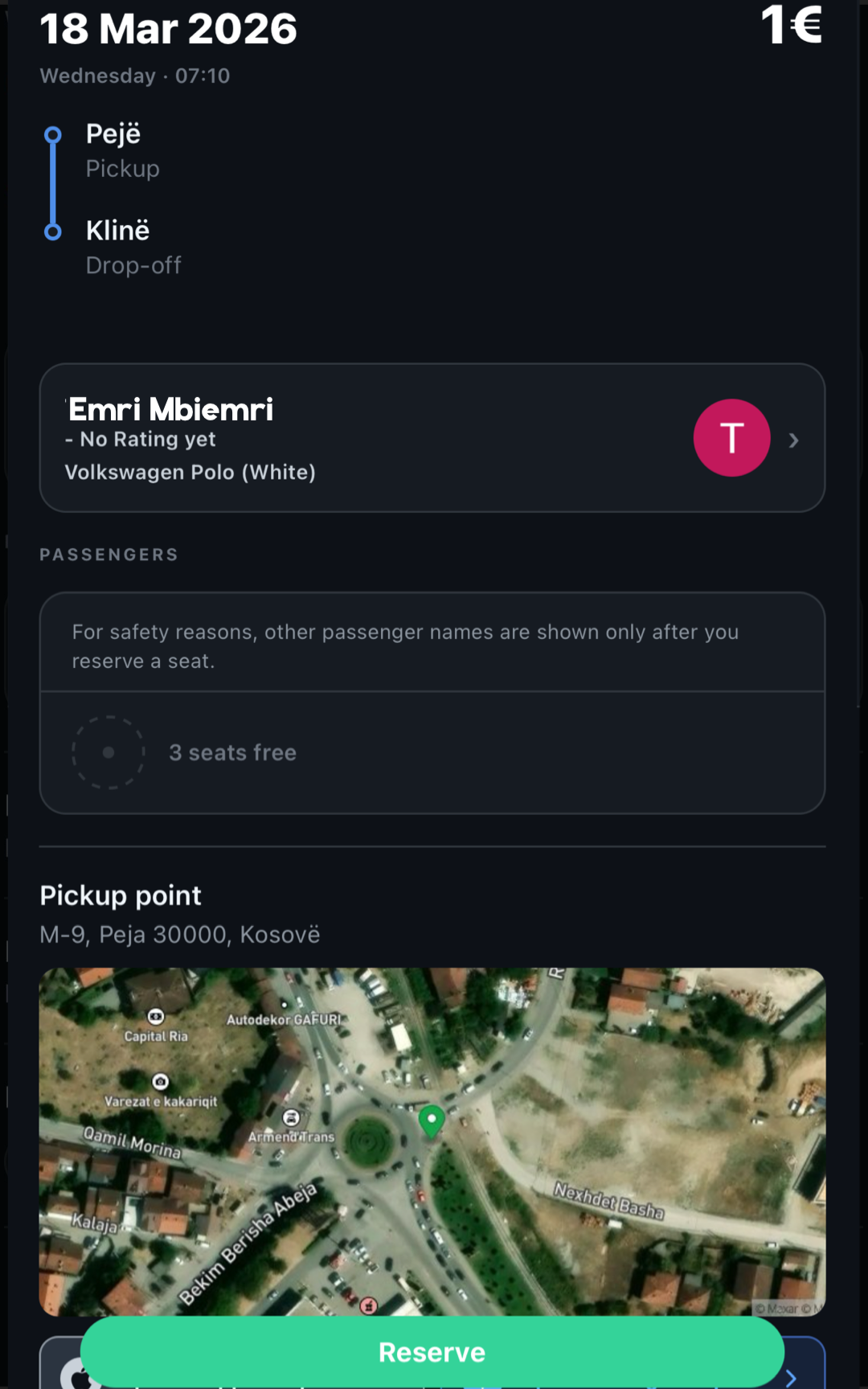
Book a Seat
Click 'Book' to send your reservation request to the driver.
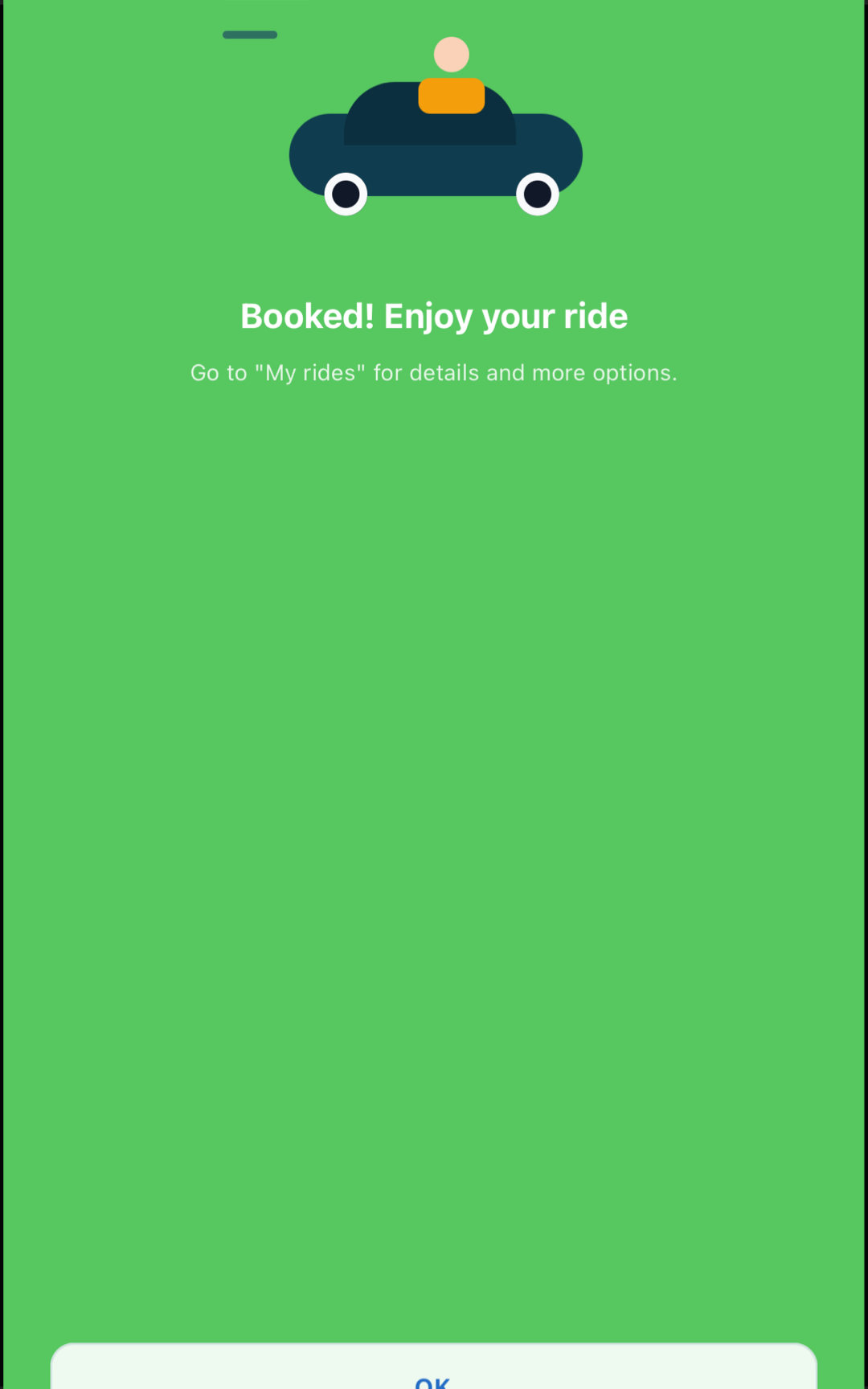
Post a Ride
Click Post
Click the '+' button or the 'Post Ride' option in the app's main menu.
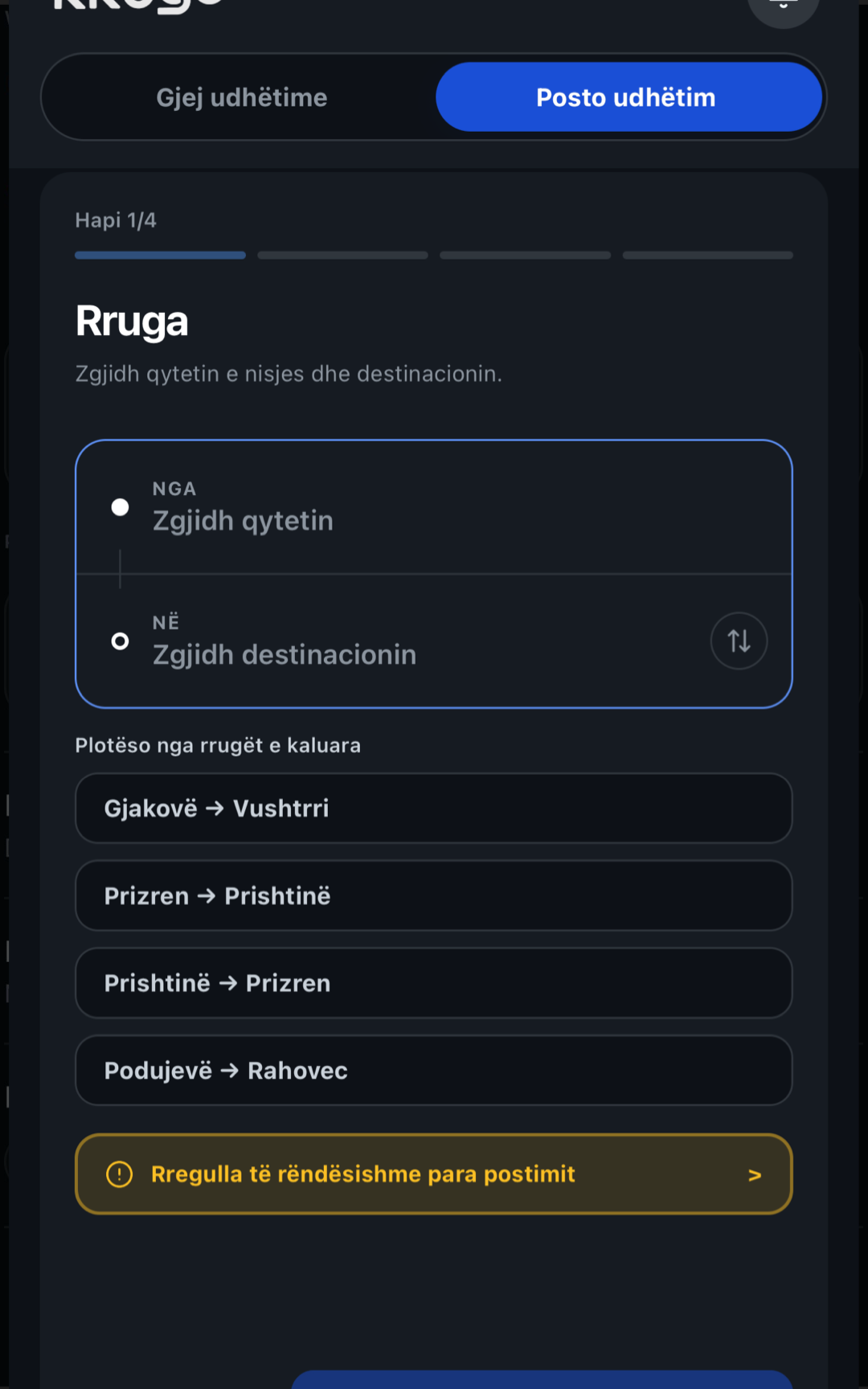
Date and Route
Select the travel date, starting city, and destination for your trip.
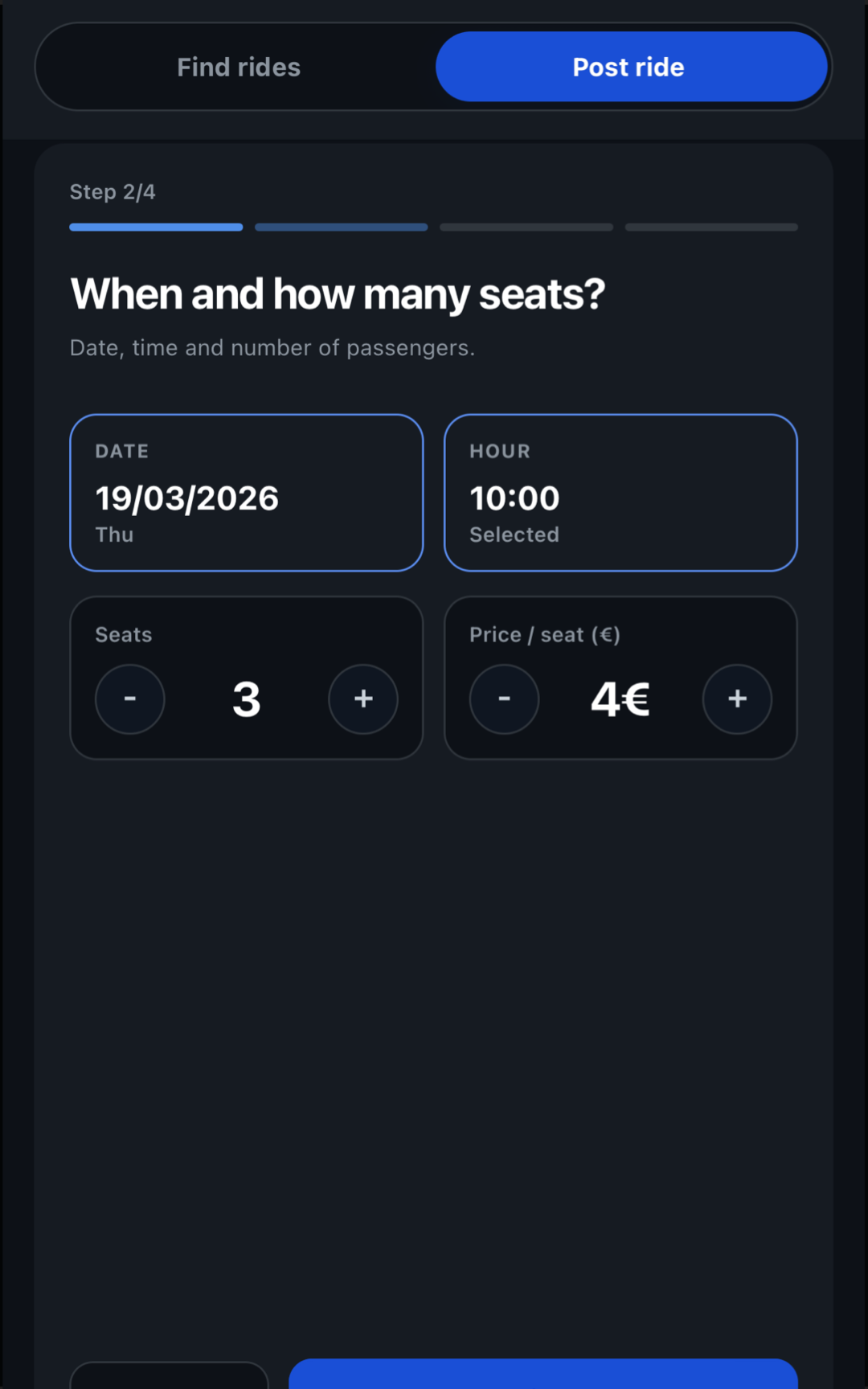
Final Details
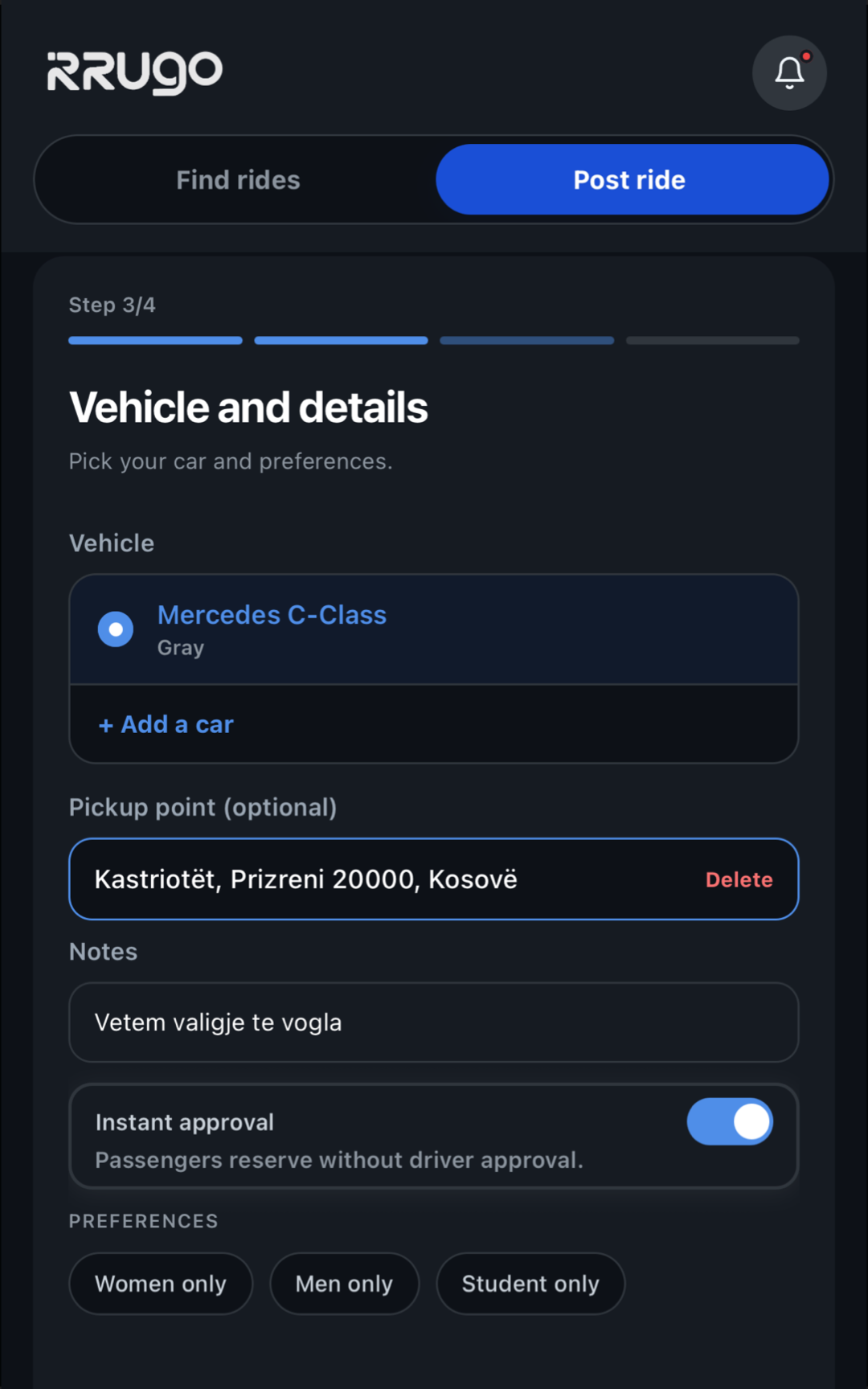
Select your car, exact pickup point, price, and travel preferences.
Messages
Private Message
You can message the driver immediately after booking to coordinate.
Ride Group Chat
There is also a group chat with all shared passengers and the driver for the same ride.
Auto-Delete
For your security, all messages are automatically deleted once the ride is done.
Cancel a Ride
My Rides
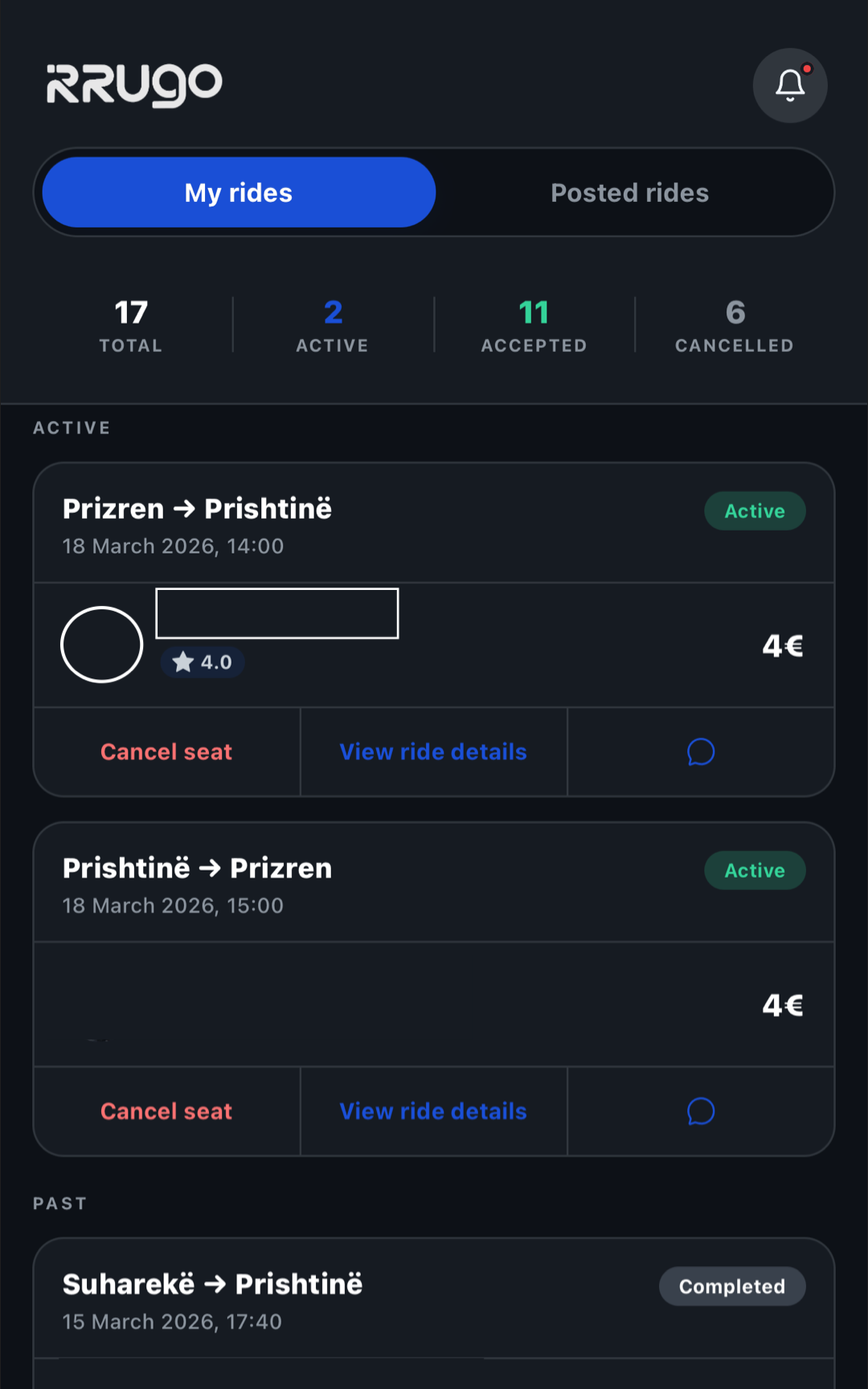
Go to the 'My Rides' tab and find the ride you want to cancel.
Click Cancel
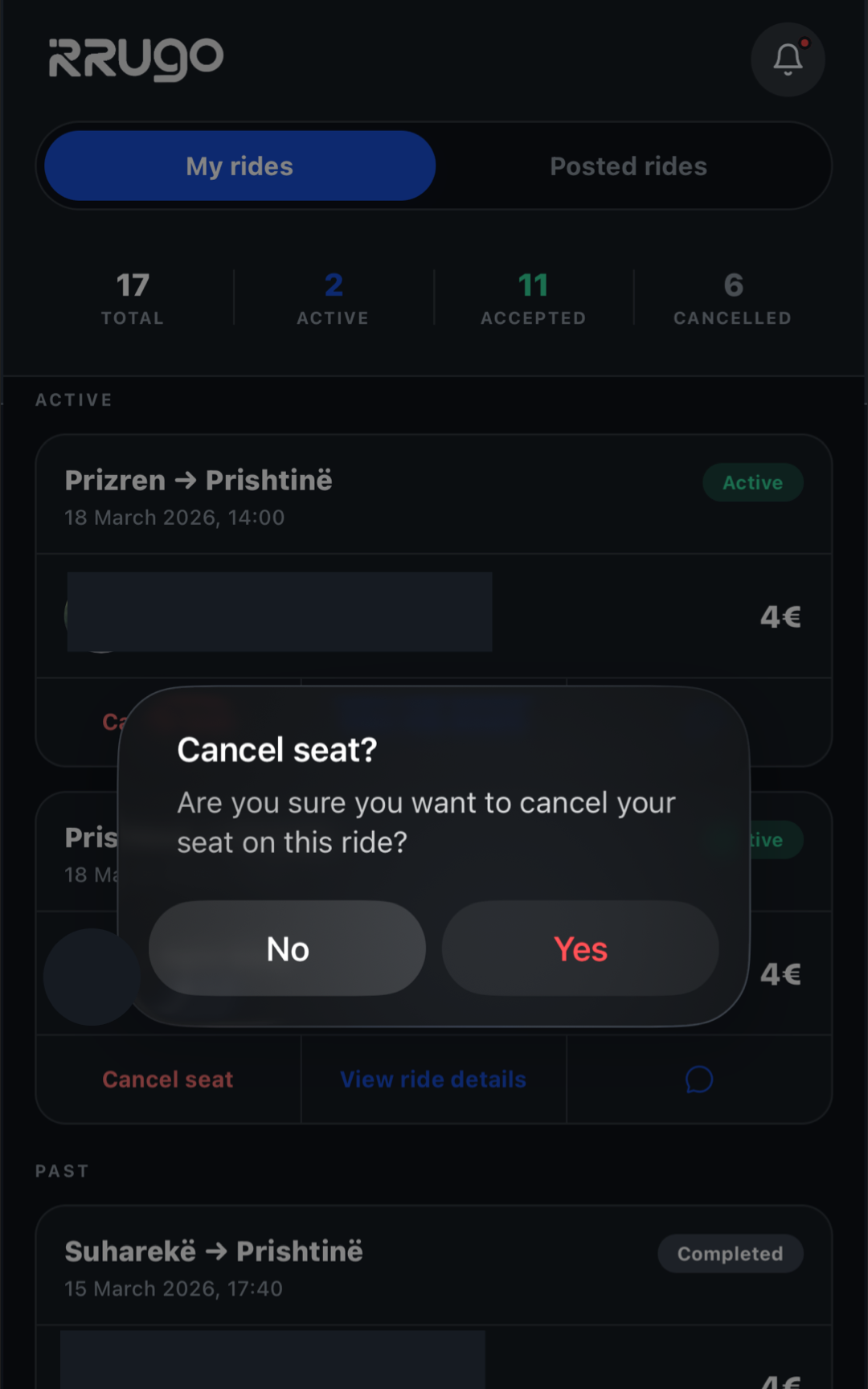
Select the 'Cancel Ride' option and confirm your choice. The other person will be notified automatically.
Rate User
After the Ride
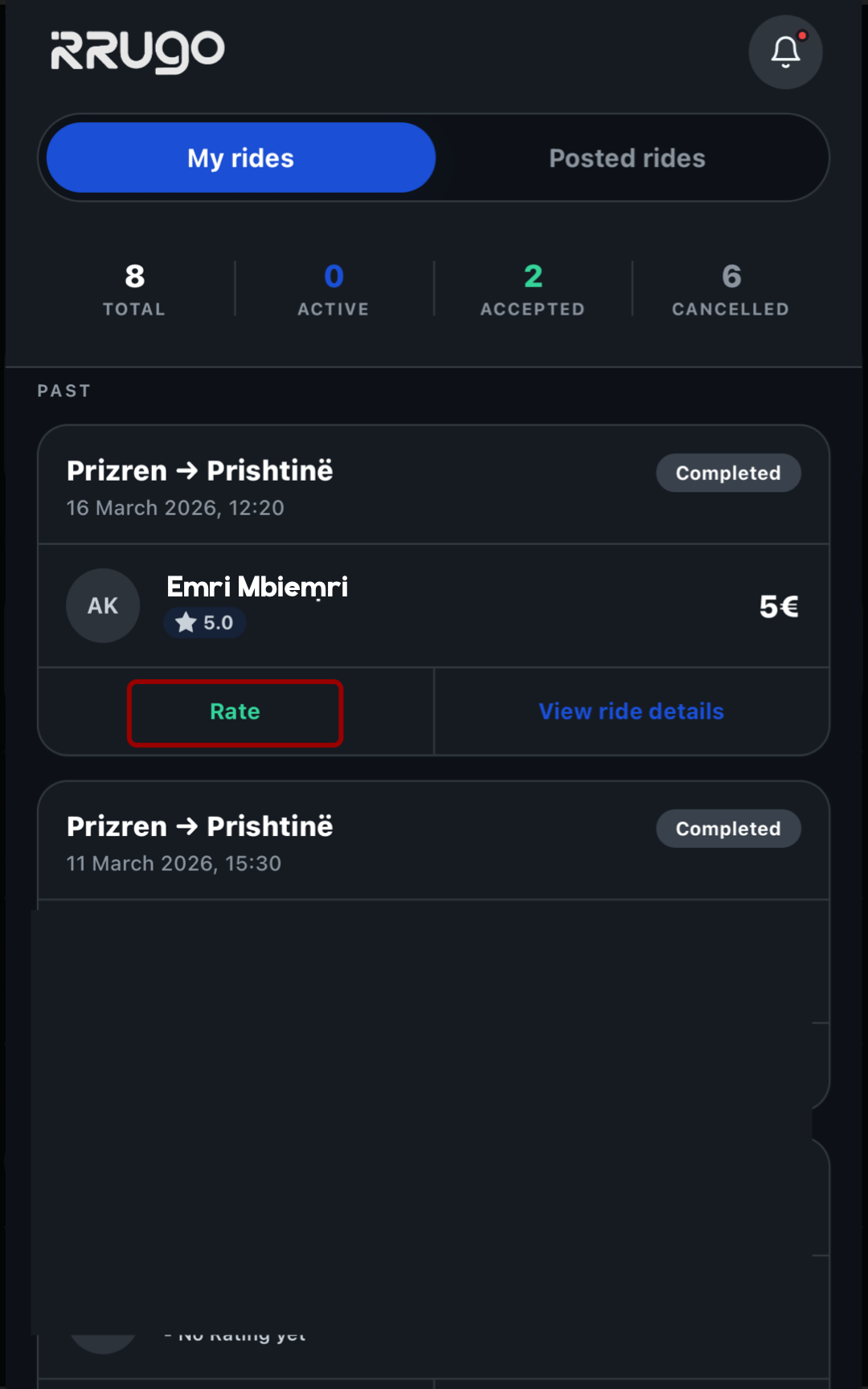
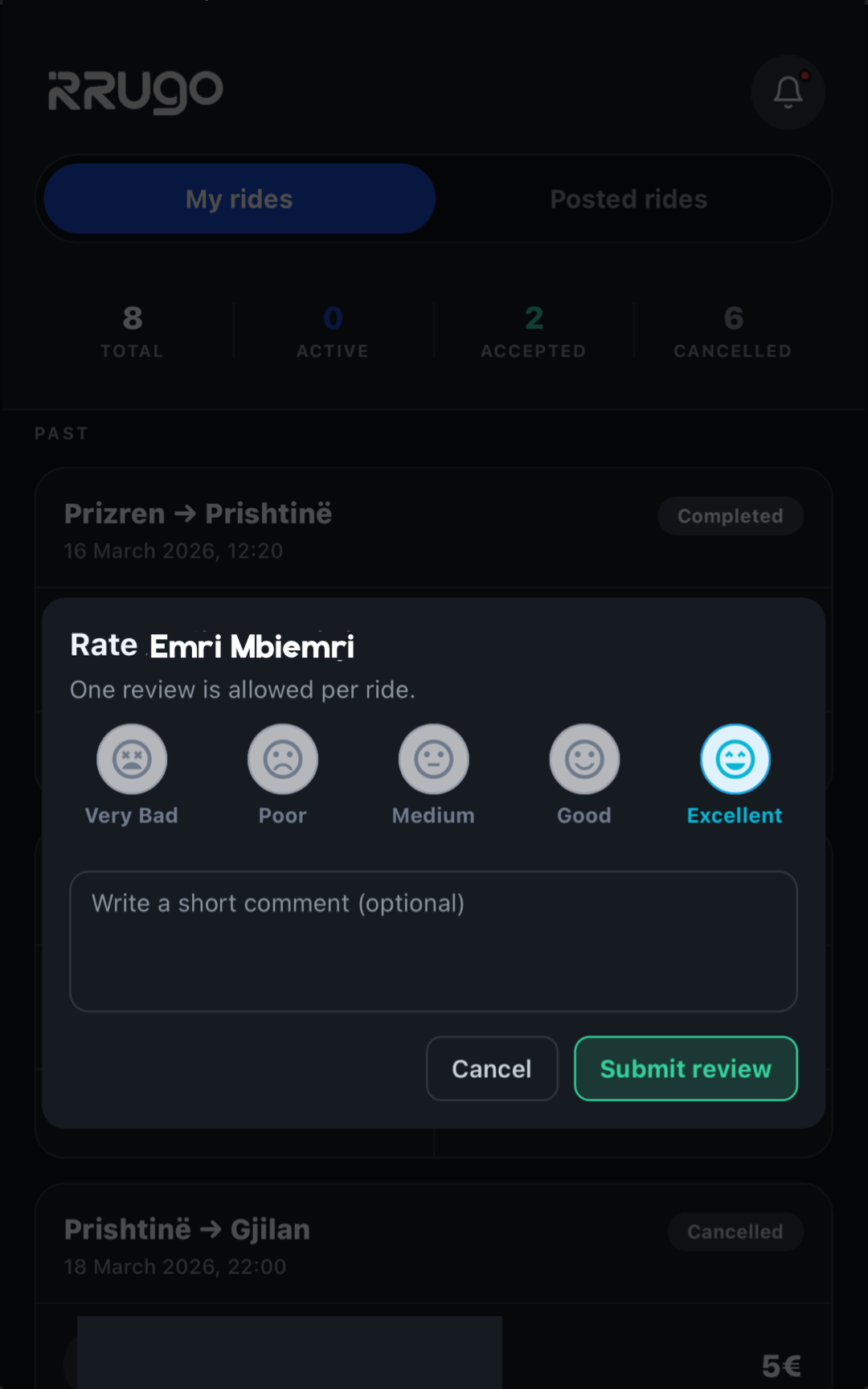
When the trip ends, the app will automatically ask you to leave a rating.
Give Stars
Choose from 1 to 5 stars and leave a brief comment on your experience with that person.
Report
Find the User
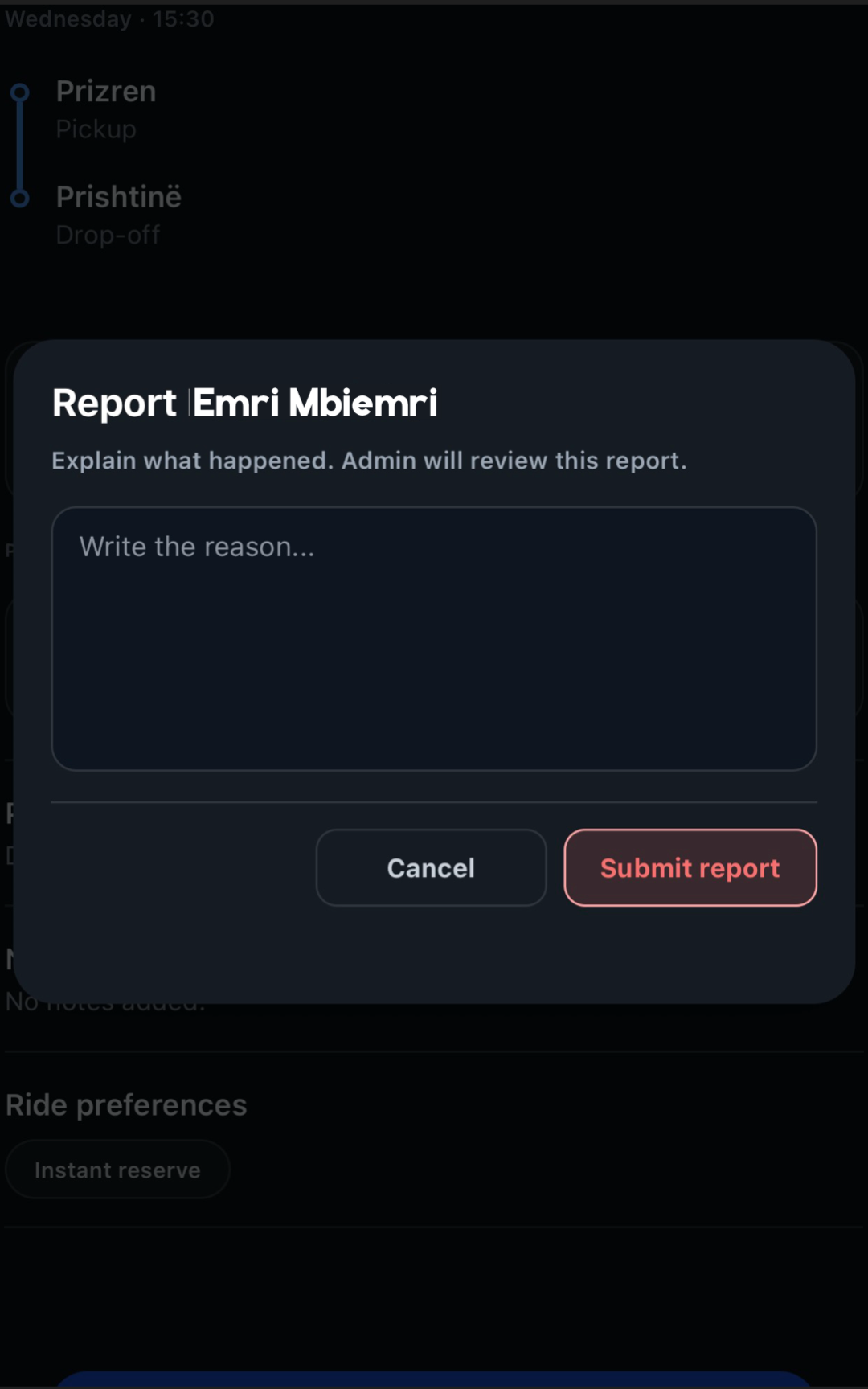
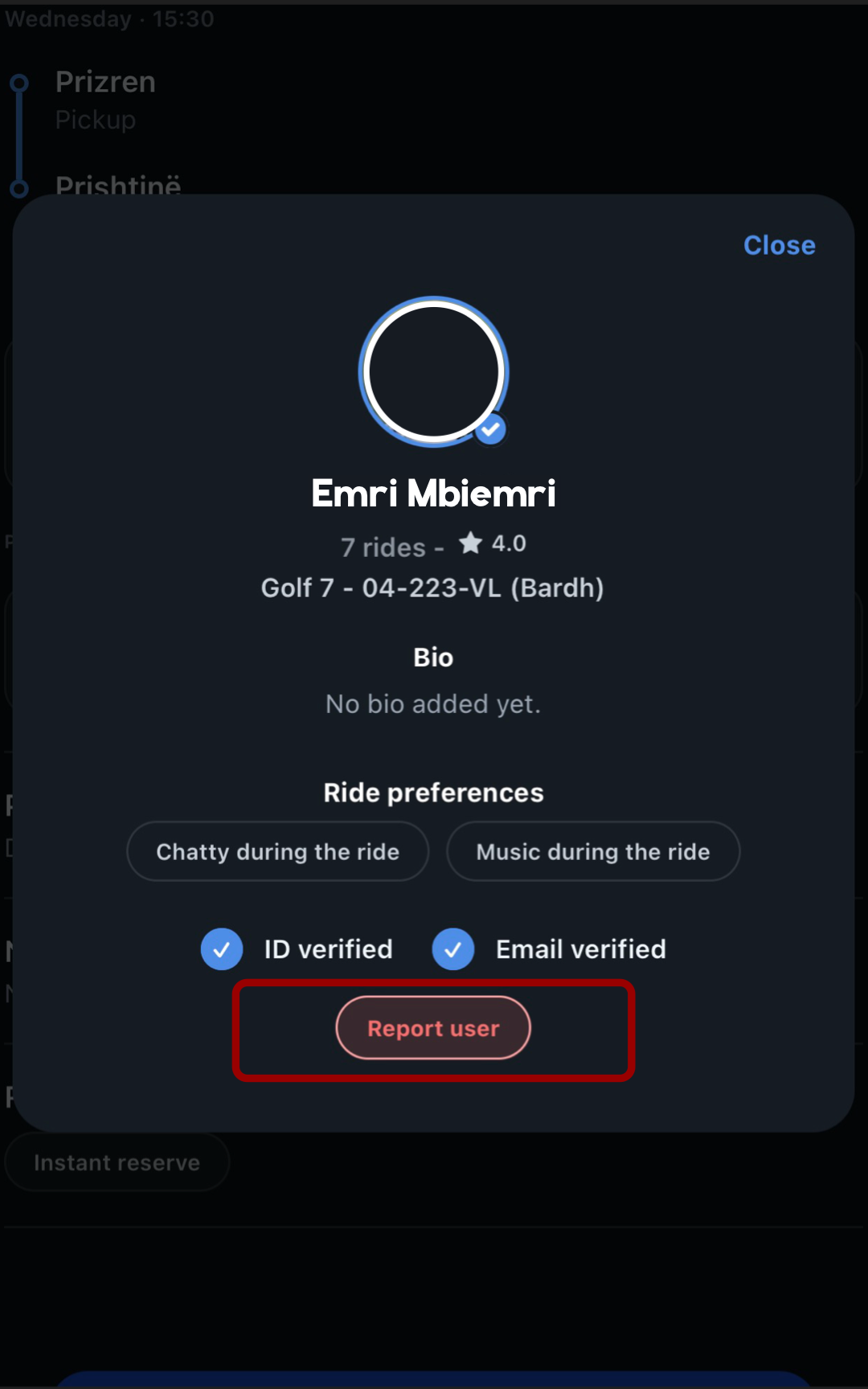
From your ride, click on the profile of the person you want to report. You can only report the driver or passengers on the same ride.
Report
Click the 'Report' button at the bottom of the profile, select the reason, and send it to our team for review.